Questetra Developers Blog
-
■
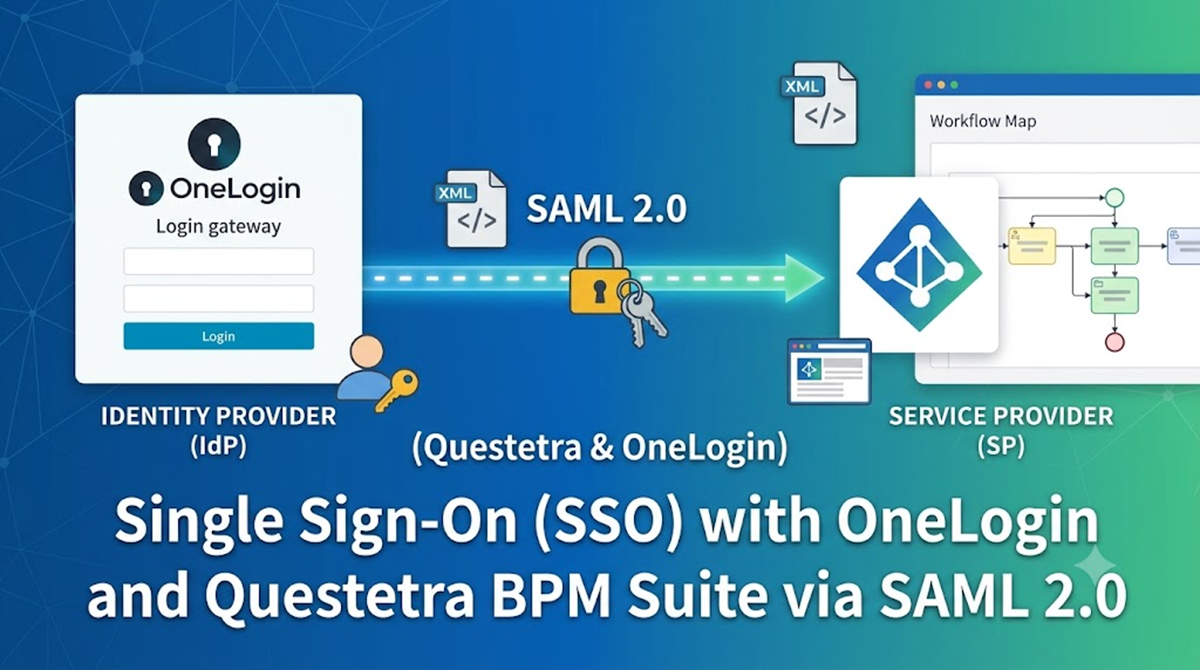
Single Sign-On with OneLogin Using SAML 2.0
This article explains how to configure SAML 2.0 authentication integration between OneLogin and Questetra.
-
■

Let’s Make Use of Task Search
What is the Task Search Function? Task Search in Questetra BPM Suite allows you to search and review tasks within workflow Cases.It is a useful tool for monitoring work progress and investigating issues, making it valuable…
-
■

Countermeasures Against Spoofing Emails in Questetra
Describes how to support the Sender Domain Authentication technology, which is an effective countermeasure against spoofing emails when sending emails from Questetra.
-
■
-
■
![Supporting Various Data Input/Output with [Update CSV Data]](https://support.questetra.com/wp-content/uploads/2026/01/eyecatch-csv-update2.png)
Supporting Various Data Input/Output with [Update CSV Data]
By using the [Update CSV Data] Step appropriately, you can also process data that is not in CSV format.
-
■
Automating Data Aggregation with [Update CSV Data]
We will use the aggregation function in [Update CSV Data], and also show you how to save the aggregated results directly to a Numeric-type data item.
-
■
Automate Data Processing with [Update CSV Data]
By placing [Update CSV Data] in the workflow diagram, the CSV data stored in the specified string-type data field will be processed automatically.
-
■
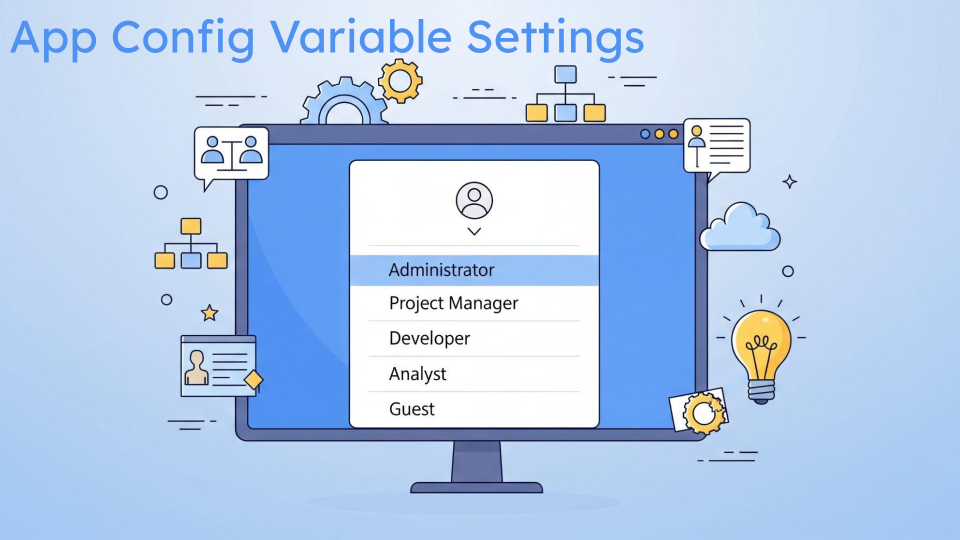
App Config Variables Settings
App Config Variables in Questetra BPM Suite allow you to centralize configuration values within the App Modeler and switch between testing and production without having to modify each process model manually.
-
■
![Headerless Data Is OK! Fully Understand the Input/Output Options of [Update CSV Data]](https://support.questetra.com/wp-content/uploads/2025/11/eyecatch-csv-update-utilize-ja.png)
Headerless Data Is OK! Fully Understand the Input/Output Options of [Update CSV Data]
Here are some ideas for applying the [Update CSV Data] feature using its options.
-
■

Let’s Try Out the Convenient Features of Collab Chat
Collab Chat offers convenient features to facilitate discussion and summarization. This article will demonstrate how to utilize its link, file attachment, mention, and search functions.
-
■

Announcement of the End of Windows 10 Support
Questetra will end Windows 10 support on October 14, 2025.
-
■
Comparison and Utilization Guide for Generative AI Automation Items
We will explain the features of AI Auto-steps and how to use them.
-
■

Use Different Channels for Different Purposes
Collaboration chat has five different types of channels, each with different purposes and member ranges, and it is necessary to use them appropriately. This article explains each channel and how to choose the right one.
-
■

Let’s Try Using the In-house Chat Function “Collab Chat”
Collab Chat is a feature that promotes internal communication. It facilitates information sharing through the exchange of messages and comments. It enables users to select channels, post messages, and use the “like” and comment functions, thereby…
-
■

No Additional Cost & Easy Setup! Let’s Introduce AI Agents!
Introducing the AI Agent feature. With the automatic processing step [AI Agent], you can use generative AI at no additional charge and perform automatic processing tasks such as summarization and proofreading.
-
■
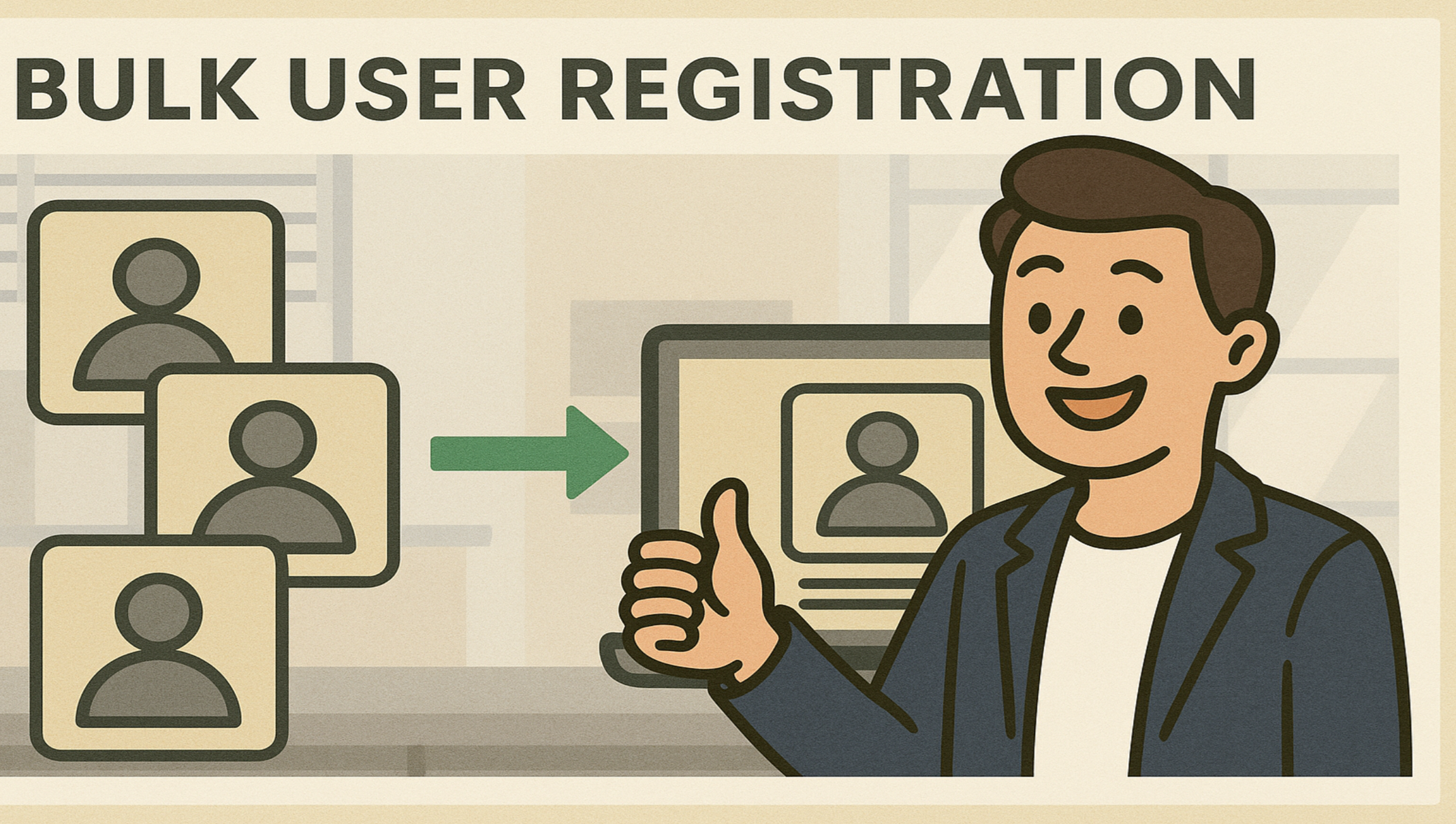
Registering Users in Bulk
When registering new users in Questetra, it is a simple process to create user profiles individually. However, there may be circumstances when you wish to register multiple users at the same time.
-
■

Ver. 17.0 Changes to Chat Posting Specifications in Script Tasks
In Ver. 17.0, posting chats now requires you to specify a channel. The behavior of mentions and hashtags has also changed, requiring a review of posting methods.
-
■
-
■
Let’s Send an Email Automatically in the Middle of a Workflow (HTML Email: Inline Images chapter)
Following the Markdown edition from the previous article, this time we will introduce how to incorporate images into HTML emails using the Throwing Message Intermediate Event (email).
-
■
Let’s Send an Email Automatically in the Middle of a Workflow (HTML Email: Markdown chapter)
With Questetra BPM Suite Version 16.2, it is now possible to incorporate Markdown and inline images into HTML emails using the Throwing Message Intermediate Event (email). In this article, we will introduce how to incorporate Markdown.
-
■

Check Your Results With The Performance Check Function
Aggregating and analyzing results not only contributes to understanding and improving individual work processing capabilities, but is also effective in understanding the situation of a team or the entire company. For those who have never used…
-
Single Sign-On with OneLogin Using SAML 2.0
This article explains how to configure SAML 2.0 authentication integration between OneLogin and Questetra.
-
Let’s Make Use of Task Search
What is the Task Search Function? Task Search in Questetra BPM Suite allows you to search and review tasks within…
-
Countermeasures Against Spoofing Emails in Questetra
Describes how to support the Sender Domain Authentication technology, which is an effective countermeasure against spoofing emails when sending emails…
-

Google Sheets: Find Row Number By Specified Value
Google スプレッドシートの対象列から指定値が入っている行番号を特定します。
-
Supporting Various Data Input/Output with [Update CSV Data]
By using the [Update CSV Data] Step appropriately, you can also process data that is not in CSV format.
-
Automating Data Aggregation with [Update CSV Data]
We will use the aggregation function in [Update CSV Data], and also show you how to save the aggregated results…
-
Automate Data Processing with [Update CSV Data]
By placing [Update CSV Data] in the workflow diagram, the CSV data stored in the specified string-type data field will…
-
App Config Variables Settings
App Config Variables in Questetra BPM Suite allow you to centralize configuration values within the App Modeler and switch between…
-
Headerless Data Is OK! Fully Understand the Input/Output Options of [Update CSV Data]
Here are some ideas for applying the [Update CSV Data] feature using its options.
-
Let’s Try Out the Convenient Features of Collab Chat
Collab Chat offers convenient features to facilitate discussion and summarization. This article will demonstrate how to utilize its link, file…
-
Announcement of the End of Windows 10 Support
Questetra will end Windows 10 support on October 14, 2025.
-
Comparison and Utilization Guide for Generative AI Automation Items
We will explain the features of AI Auto-steps and how to use them.
-
Use Different Channels for Different Purposes
Collaboration chat has five different types of channels, each with different purposes and member ranges, and it is necessary to…
-
Let’s Try Using the In-house Chat Function “Collab Chat”
Collab Chat is a feature that promotes internal communication. It facilitates information sharing through the exchange of messages and comments.…
-
No Additional Cost & Easy Setup! Let’s Introduce AI Agents!
Introducing the AI Agent feature. With the automatic processing step [AI Agent], you can use generative AI at no additional…
-
Registering Users in Bulk
When registering new users in Questetra, it is a simple process to create user profiles individually. However, there may be…
-
Ver. 17.0 Changes to Chat Posting Specifications in Script Tasks
In Ver. 17.0, posting chats now requires you to specify a channel. The behavior of mentions and hashtags has also…
-

Ver.17.0 Open Chat will be revamped (April 2025)
Introducing the new specifications for Open Chat
-
Let’s Send an Email Automatically in the Middle of a Workflow (HTML Email: Inline Images chapter)
Following the Markdown edition from the previous article, this time we will introduce how to incorporate images into HTML emails…
-
Let’s Send an Email Automatically in the Middle of a Workflow (HTML Email: Markdown chapter)
With Questetra BPM Suite Version 16.2, it is now possible to incorporate Markdown and inline images into HTML emails using…
-
Check Your Results With The Performance Check Function
Aggregating and analyzing results not only contributes to understanding and improving individual work processing capabilities, but is also effective in…