-

OpenAI #Chat: Interact with Parameters
Communicates with OpenAI API (ChatGPT); the default MODEL is “gpt-4” (configurable). Supports almost all Chat features, such as re-asking based on histories and/or parameters; sampling temperature-Top_P, Presence-Frequency penalty,…
-

OpenAI #Audio: Transcribe to WebVTT
Transcribes audio and video files in caption format WebVTT, using the OpenAI API “whisper-1” model by default (configurable) to convert audio data into text data. Set abbreviations and…
-
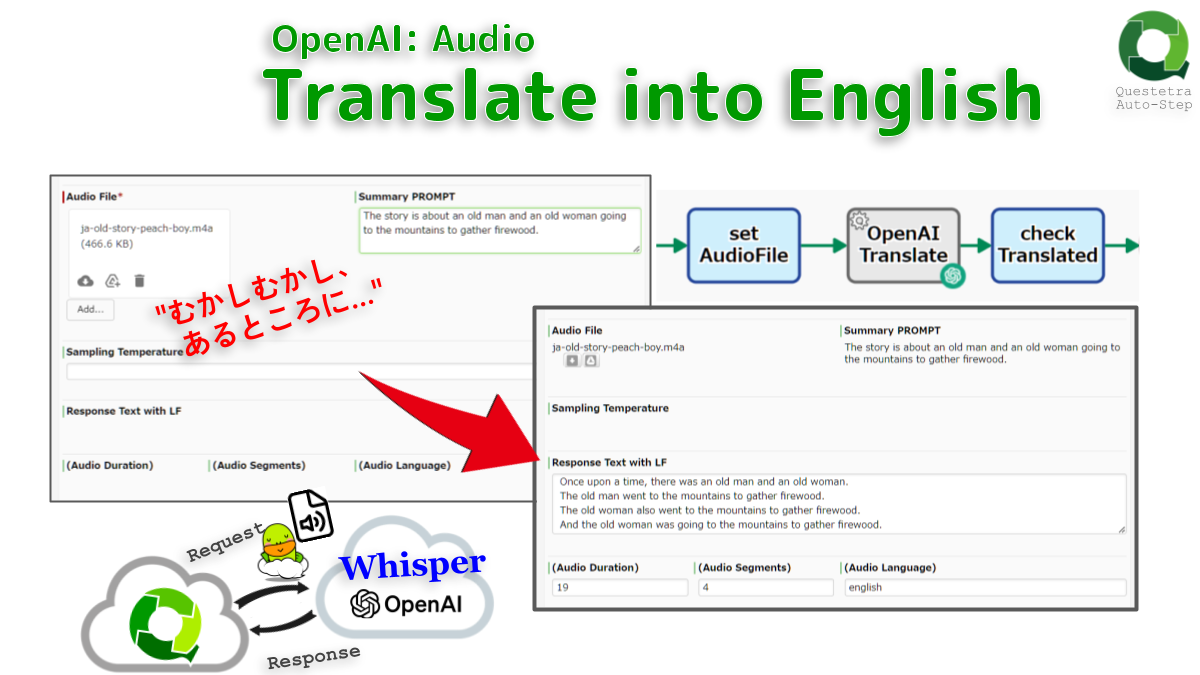
OpenAI #Audio: Translate into English
Translates audio into English. English text data is generated from sound or video file containing Japanese or other, using the OpenAI API “whisper-1” model. Abbreviations and technical terms…
-
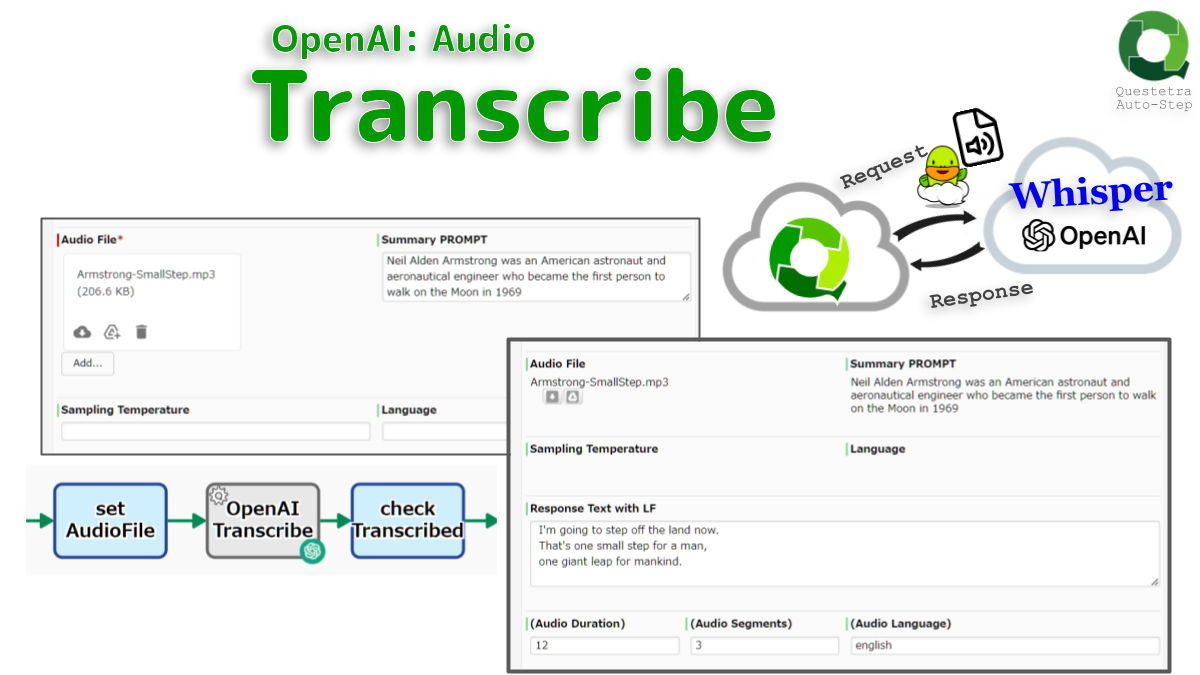
OpenAI #Audio: Transcribe
Transcribes from audio file. The “whisper-1” model in the OpenAI API converts speech data into text data. If set abbreviations and technical terms as summary (PRMOPT), more accurate…
-
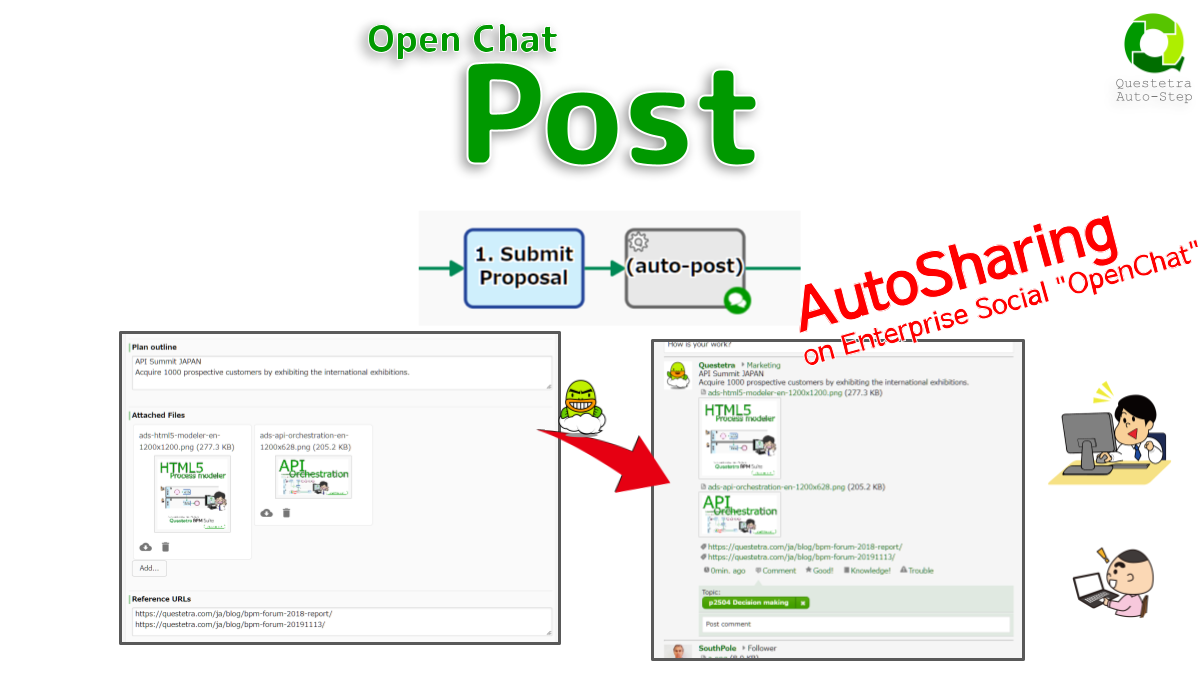
#Open-Chat: Post
Posts the text to OpenChat in the Workflow Platform. Since the ProcessID hashtag (topic) like “#p123” is automatically added, it will be displayed on the timeline of the…
-
Open Chat, Post
Posts to Open Chat (Enterprise Social in Questetra BPMS) with PID like “#p123” from the workflow engine standpoint. Posts will only be displayed on the participant timelines. Note…
-

any data-type, Output to Log
Outputs business data to the Auto-Processing Log. Administrators of the Workflow App can verify the data that was stored when the Process reached this step.