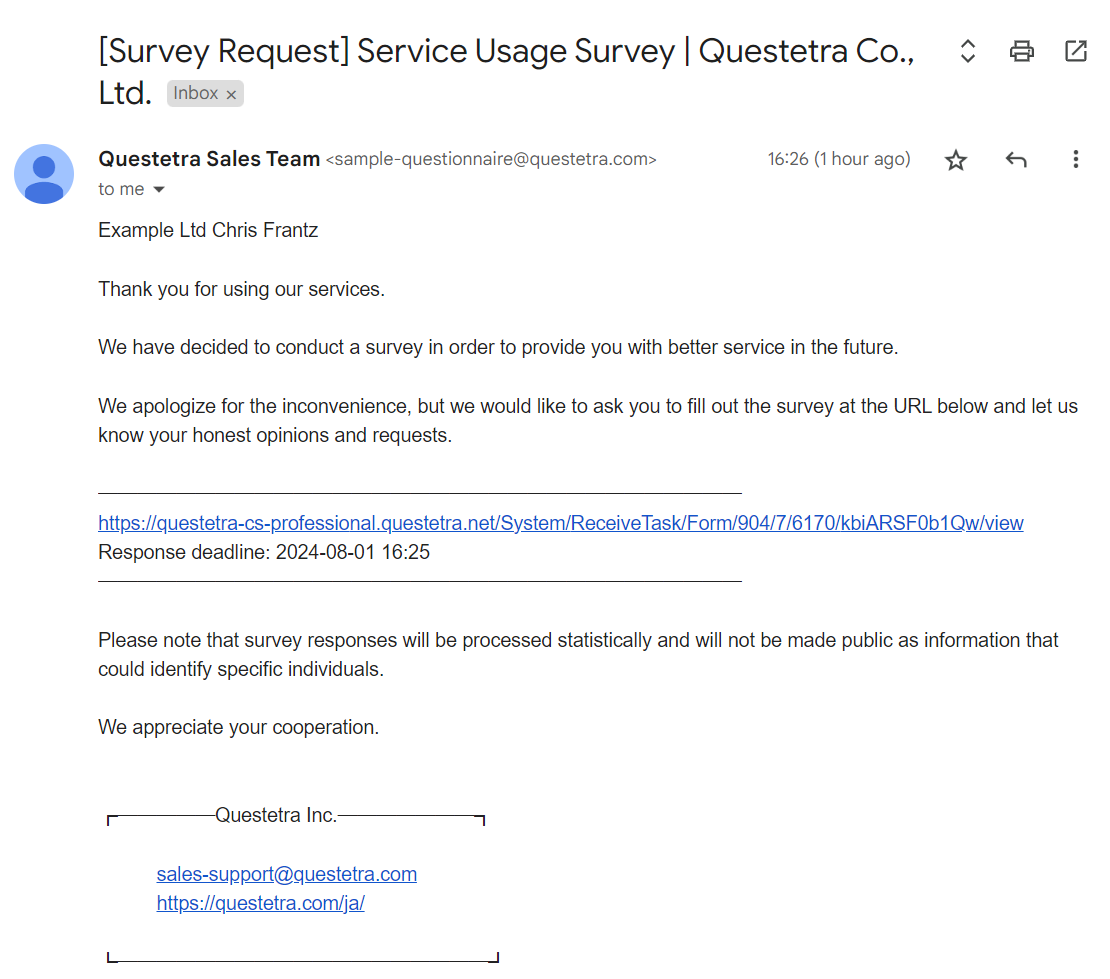
This workflow automatically requests a service satisfaction survey. Customer information (email address, etc.) is captured from the body of the “Service Offer Notification Email (BCC designation)” and the survey request is sent via email. The customer accesses the form URL provided in the email and responds to the survey.
Worker (#of Swimlane: 2)
Sales Team
Survey Request – Response
Business Flow (Complexity of Workflow: 17)
Requestee registration
The survey tabulation team can also start a survey manually.
7Service usage experience survey
3Set Title
Set Requester
The Workflow platform extracts the organization name, name, email address, and service name from the service completion notification email and sets them in each data item.
Answer Status: Reminder
The Workflow platform will record the wording “[Reminder]” at the beginning of the subject line to indicate that the survey response is being requested.
Answer Status: Answered
The Workflow platform will record the phrase “[Answered]” to the beginning of the subject line to indicate that the survey has been answered.
Answer Status: Unanswered
The Workflow platform will record the phrase “[Unanswered]” at the beginning of the subject line to indicate that the survey has ended without response.