BPMN Icons
-
■
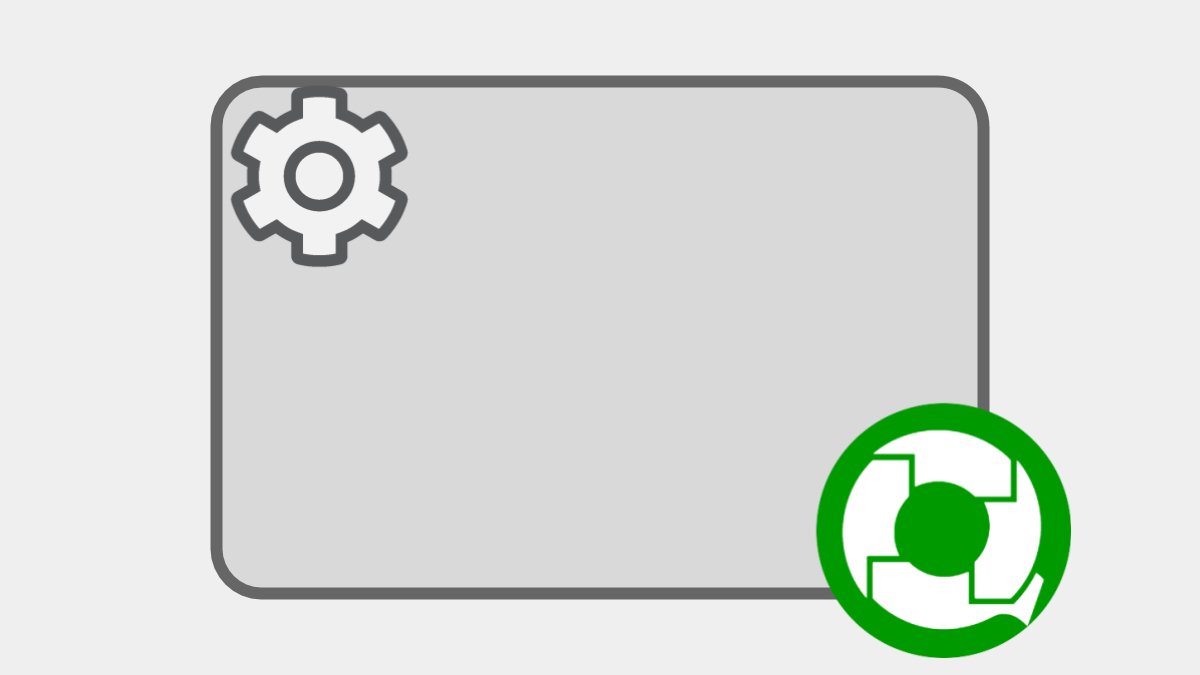
Service Task (Start Child Process)
An automatic step that sends an HTTP request to Message Start Event (HTTP) on the same workflow platform. You can easily establish an inter-app connection simply by setting the send data. When a workflow App including…
-
■
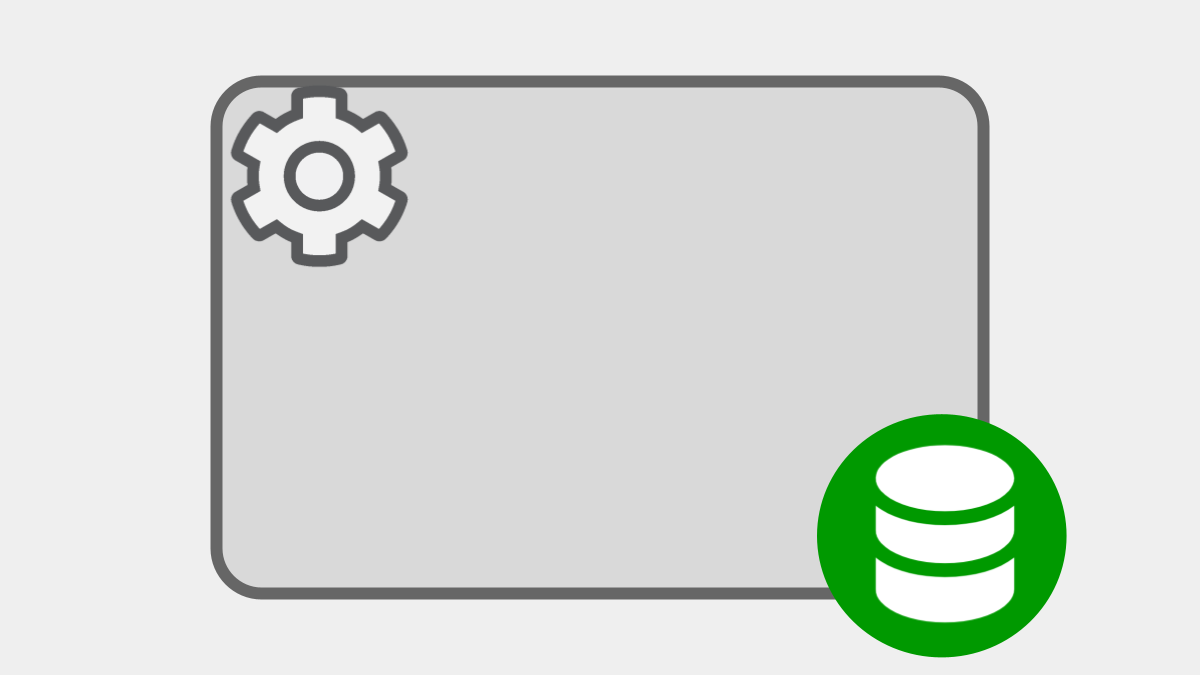
Update Choices
Registers/updates the list of choices specified in a Select-type Data Item as both a Choice master (App-shared Add-on) commonly used in the workflow platform, but also an App-specific Choice master (Add-on). It needs to be set…
-
■

Generate PDF File
Inserts business data into a Base PDF form and automatically generate a new PDF file. Although Adobe Acrobat etc. are needed for the preparation of a Base PDF, it is also possible to download a Base…
-
■
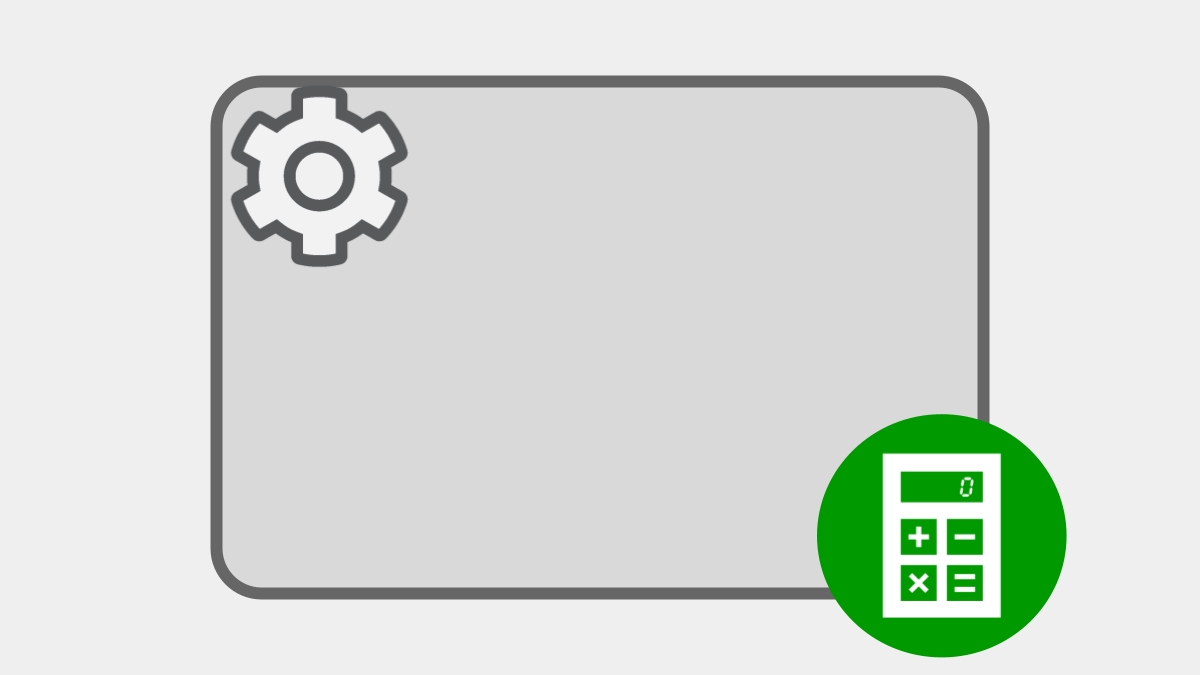
Update Data
Automatically updates Business Data with the specified value or the evaluation result of the formula. Capable of updating several Data Items also in one automatic Step.
-
■
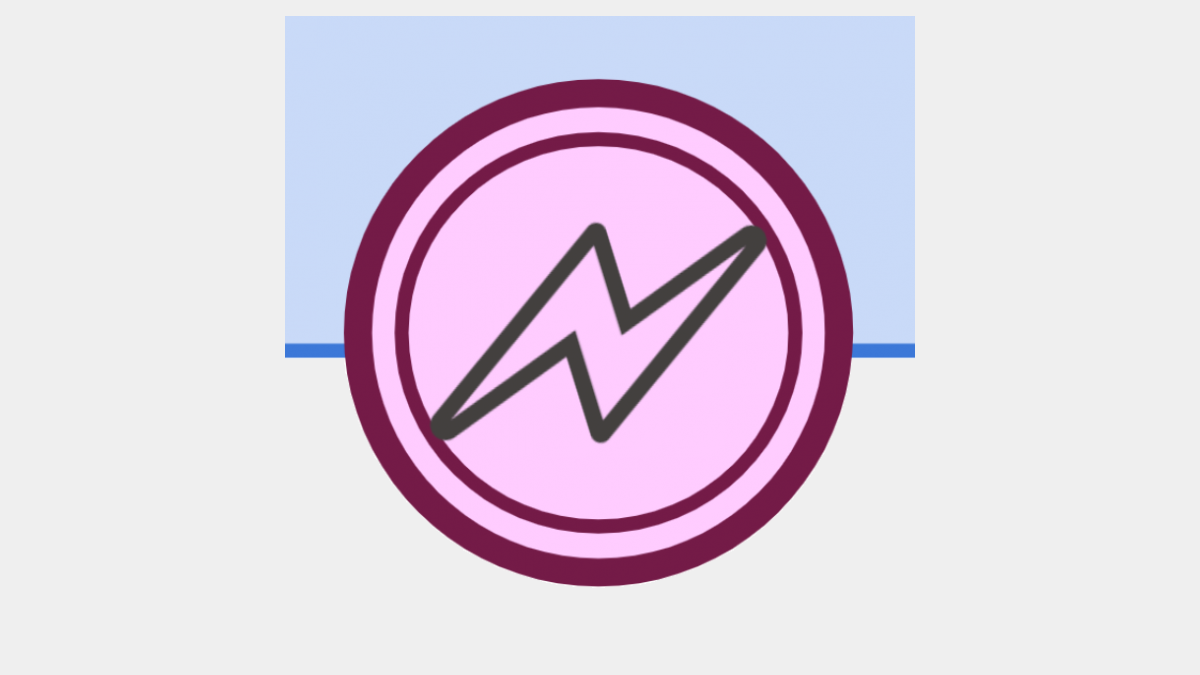
Intermediate Error Catch Event (Boundary Type)
The Event is added when the actions for failures of processing Tasks are set on a Human Task and other Tasks. Token is moved forcibly to the Event when processing the Task fails.
-
■
Timer Intermediate Event (Boundary Type)
The Event is defined when a deadline is set on a Human Task and other Task items. Token is allowed to move to the next Step in the Process when the deadline comes.
-
■
Human Task
A work step that humans are in charge of. Generates an input form (Operating screen) automatically in accordance with the editing permission settings on Data Items. When the allocated operator fills out the form and finishes…
-
■

Message Start Event (Webhook)
Issues a URL that awaits Webhook (HTTP request) in a specified method. Starts a new Process automatically when a Webhook is received. Capable of storing the received request body in a String-type Data Item. Also possible…
-
■
Receive Task (Webhook)
Holds the token and awaits a webhook (HTTP request) at a specific URL. Advances the token when a webhook for the specified HTTP method is received. Capable of storing the received request body in a String-type…
-
■

Script Task
Executes ECMAScript (program) on the server side and updates business data automatically. Capable for more complex processing than [Update Data] such as conditional branching and repetition processing, HTTP communication with the outside, email transmission, etc.
-
■

Google Drive: File Upload
Uploads files specified in File Type Data Item to the specified folder of Google Drive. Capable of obtaining the file ID, the display URL, and the download URL as the response and storing them in a…
-
■

Message Start Event (email)
Starts a new process automatically by receiving an email. Capable of storing the address of the received email, subject, text body, and file attachment as Data Items.
-
■

Message Start Event (HTTP)
Issues a URL that awaits an HTTP request. Starts a new Process automatically when an HTTP request is received. Capable of inserting values accepted as receive parameters to Business Data.
-
■

OR-Split Gateway (Inclusive Gateway)
Of the multiple paths, the token is split and moves to all of the paths which satisfy conditions. Workflow may become parallel processing.
-
■

AND-Split Gateway (Parallel Gateway)
Of the multiple paths, the token is split and moves to all of the paths. Workflow become parallel processing.
-
■

XOR-Split Gateway (Exclusive Gateway)
Advances the token to the first of multiple paths that satisfies the conditional expression.
-
■
Timer Start Event
Starts a new Process at the specified time. Applies the repetition rule such as daily, weekly on Monday, or the first day of a month.
-
■

Catching Message Intermediate Event (HTTP)
Holds a token and listens for HTTP requests at a specific URL. Receiving an HTTP request, the token advances. Capable of receiving values in parameters and overwriting business data.
-
■
Throwing Message Intermediate Event (Email)
Sends an email to the email address specified on To/Cc/Bcc. Also capable of embedding business data and attaching files.
-
■

Throwing Message Intermediate Event (HTTP)
Transmits an HTTP request to the destination specified in Access URL. Also capable of saving the received response to a Data Item.
-
■
-
Service Task (Start Child Process)
An automatic step that sends an HTTP request to Message Start Event (HTTP) on the same workflow platform. You can…
-
Update Choices
Registers/updates the list of choices specified in a Select-type Data Item as both a Choice master (App-shared Add-on) commonly used…
-
Generate PDF File
Inserts business data into a Base PDF form and automatically generate a new PDF file. Although Adobe Acrobat etc. are…
-
Update Data
Automatically updates Business Data with the specified value or the evaluation result of the formula. Capable of updating several Data…
-
Intermediate Error Catch Event (Boundary Type)
The Event is added when the actions for failures of processing Tasks are set on a Human Task and other…
-
Timer Intermediate Event (Boundary Type)
The Event is defined when a deadline is set on a Human Task and other Task items. Token is allowed…
-
Human Task
A work step that humans are in charge of. Generates an input form (Operating screen) automatically in accordance with the…
-
Message Start Event (Webhook)
Issues a URL that awaits Webhook (HTTP request) in a specified method. Starts a new Process automatically when a Webhook…
-
Receive Task (Webhook)
Holds the token and awaits a webhook (HTTP request) at a specific URL. Advances the token when a webhook for…
-
Script Task
Executes ECMAScript (program) on the server side and updates business data automatically. Capable for more complex processing than [Update Data]…
-
Google Drive: File Upload
Uploads files specified in File Type Data Item to the specified folder of Google Drive. Capable of obtaining the file…
-
Message Start Event (email)
Starts a new process automatically by receiving an email. Capable of storing the address of the received email, subject, text…
-
Message Start Event (HTTP)
Issues a URL that awaits an HTTP request. Starts a new Process automatically when an HTTP request is received. Capable…
-
OR-Split Gateway (Inclusive Gateway)
Of the multiple paths, the token is split and moves to all of the paths which satisfy conditions. Workflow may…
-
AND-Split Gateway (Parallel Gateway)
Of the multiple paths, the token is split and moves to all of the paths. Workflow become parallel processing.
-
XOR-Split Gateway (Exclusive Gateway)
Advances the token to the first of multiple paths that satisfies the conditional expression.
-
Timer Start Event
Starts a new Process at the specified time. Applies the repetition rule such as daily, weekly on Monday, or the…
-
Catching Message Intermediate Event (HTTP)
Holds a token and listens for HTTP requests at a specific URL. Receiving an HTTP request, the token advances. Capable…
-
Throwing Message Intermediate Event (Email)
Sends an email to the email address specified on To/Cc/Bcc. Also capable of embedding business data and attaching files.
-
Throwing Message Intermediate Event (HTTP)
Transmits an HTTP request to the destination specified in Access URL. Also capable of saving the received response to a…
-
Timer Intermediate Event
Keeps the token until the specified timer date and time.